
Built by someone who used to forget to send invoices

Send an invoice
in one sentence.

Type it like you'd text a friend. We turn it into a proper invoice, attach a payment link, and email your client before you finish the sip.

(yes, actually one sentence. we tested it.)

No credit card
Unlimited invoices
Powered by Stripe
INV-001Sent
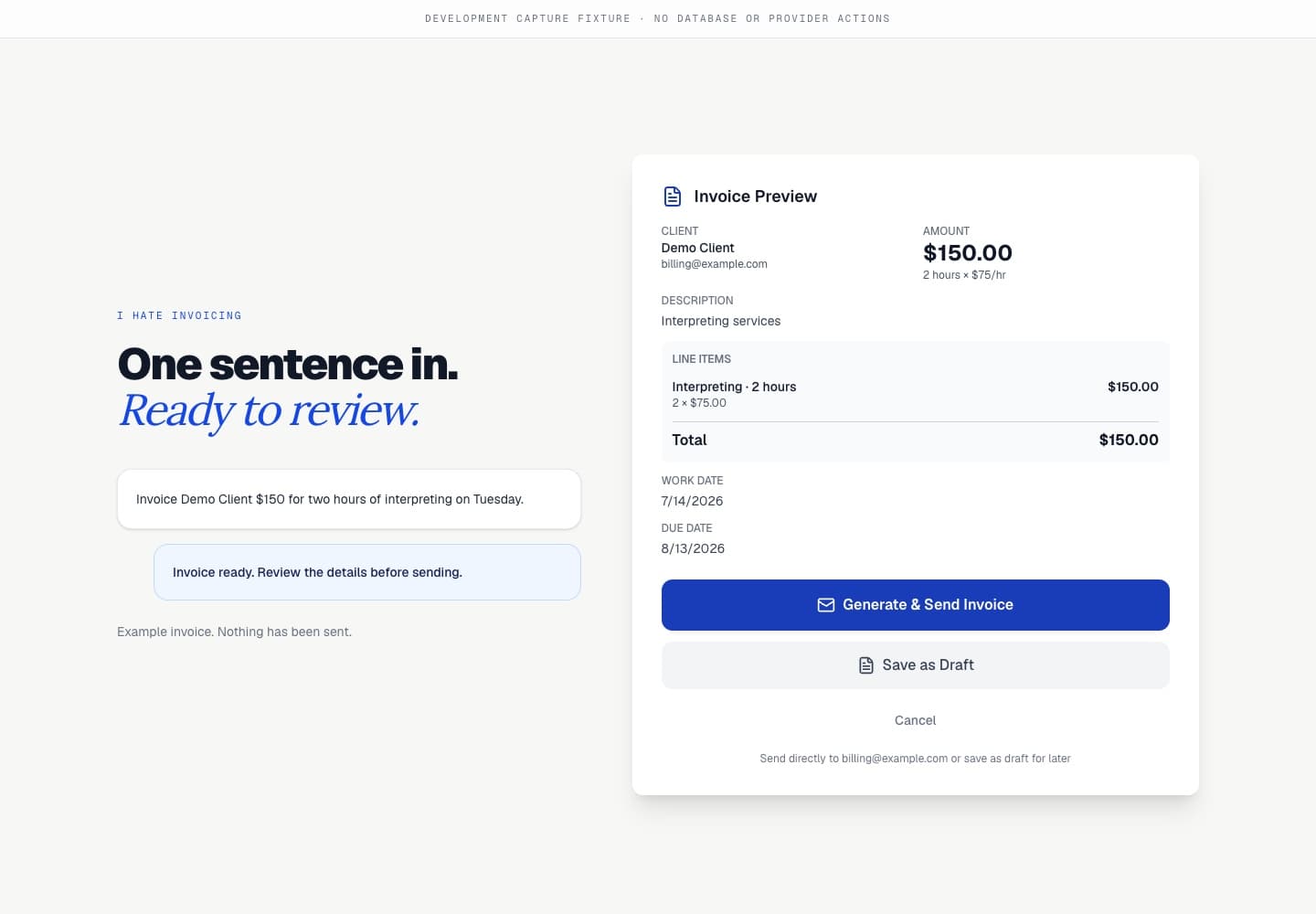
Bill Sarah at sarah@acme.com $500 for design work I did Tuesday.
On it.
ClientSarah / Acme
ServiceDesign work
Work dateTue, Apr 28
Total due$500.00
Sent to sarah@acme.com

01 / How it works

Three steps.
None of them painful.

LINE 01

Describe the work

Just type: "Bill Sarah at sarah@acme.com $500 for design work Tuesday." We'll ask if anything's missing.

LINE 02

Confirm and send

Preview the invoice. Hit send. Your client gets a clean email, a PDF, and a Stripe payment link, all in one.

LINE 03

Get paid

When they pay, the invoice auto-marks paid. Funds settle to your Stripe. You go back to working.

02 / What you get

Built for the job.
Not the accounting version of it.

Memory, not forms

It remembers your clients
so you don't have to.

After your first invoice to Sarah, just say "same as last month". We pull the rate, line items, and details from history. No re-typing, no client list to maintain.

Same invoice as last month for Sarah.
Pulled $500, design work, ready to send.
INV-002

Stripe payment links

Every invoice ships with a pay-by-card link. No phone tag, no checks, no Venmo asks.

INV-003

Email that fits your brand

Subject line, button copy, gradient. All editable in one screen, no template hunting.

INV-004

PDFs that don't look free

Auto-generated with your logo, brand color, and itemized lines. Attached to every email.

INV-005

Client list, on autopilot

Type a name once. We file it. Future invoices auto-populate everything.

INV-006

Hours, dates, math

Mention hours and rate. We calculate. Mention work date. We file it. It just shows up correctly.

INV-007

Export to anything

QuickBooks-compatible CSV. Filter by month, year, paid status. Hand it to your accountant. Done.

03 / Pricing

Free if you're new.
Cheaper if you're scaling.

We make money on payment processing. Same fees as everyone else, just lower on Pro. No hidden trial, no surprise upgrade.

Free

5.9% + $0.59 / payment
$0/month
  • Unlimited invoices
  • Chat-based invoice creation
  • Stripe payment links
  • Email delivery and PDF attached
  • Logo and brand color
  • QuickBooks-compatible CSV export
Start free
Pays for itself at $1k/mo

Pro

3.5% + $0.40 / payment
$74.99/month
  • Everything in Free
  • 40% lower processing fees
  • Priority email support
  • Advanced email customization
  • Remove platform branding
Start with Pro

04 / Why us

QuickBooks made you watch a tutorial.
We didn't.

Hate InvoicingEveryone else
Time to first invoice~30 seconds5 to 10 minutes
Setup wizard required
Chat-based creation
Built-in payment linksOften add-on
Starting priceFree$15 to $50/mo
~30s

Average time from idea to sent invoice.

(we measured this)

0

Forms to fill out. Just chat.

(none. zero. it's a chat box.)

3.5%

Pro processing fee. Lowest in the category.

(the rest are 4 to 6%)

05 / The bottom line

You hate invoicing.
We get it.

That's the whole product. Free to start, no card required, cancel whenever.

Send your first invoice